Sparky Lab
The coding lab: colourful blocks, a board simulator and a USB connection. In advanced mode you can see what the program does inside, one instruction at a time.
Sparky is almost here: solder-free electronics kits and a coding lab in your browser. Build with your hands, code with blocks and watch your project come to life.
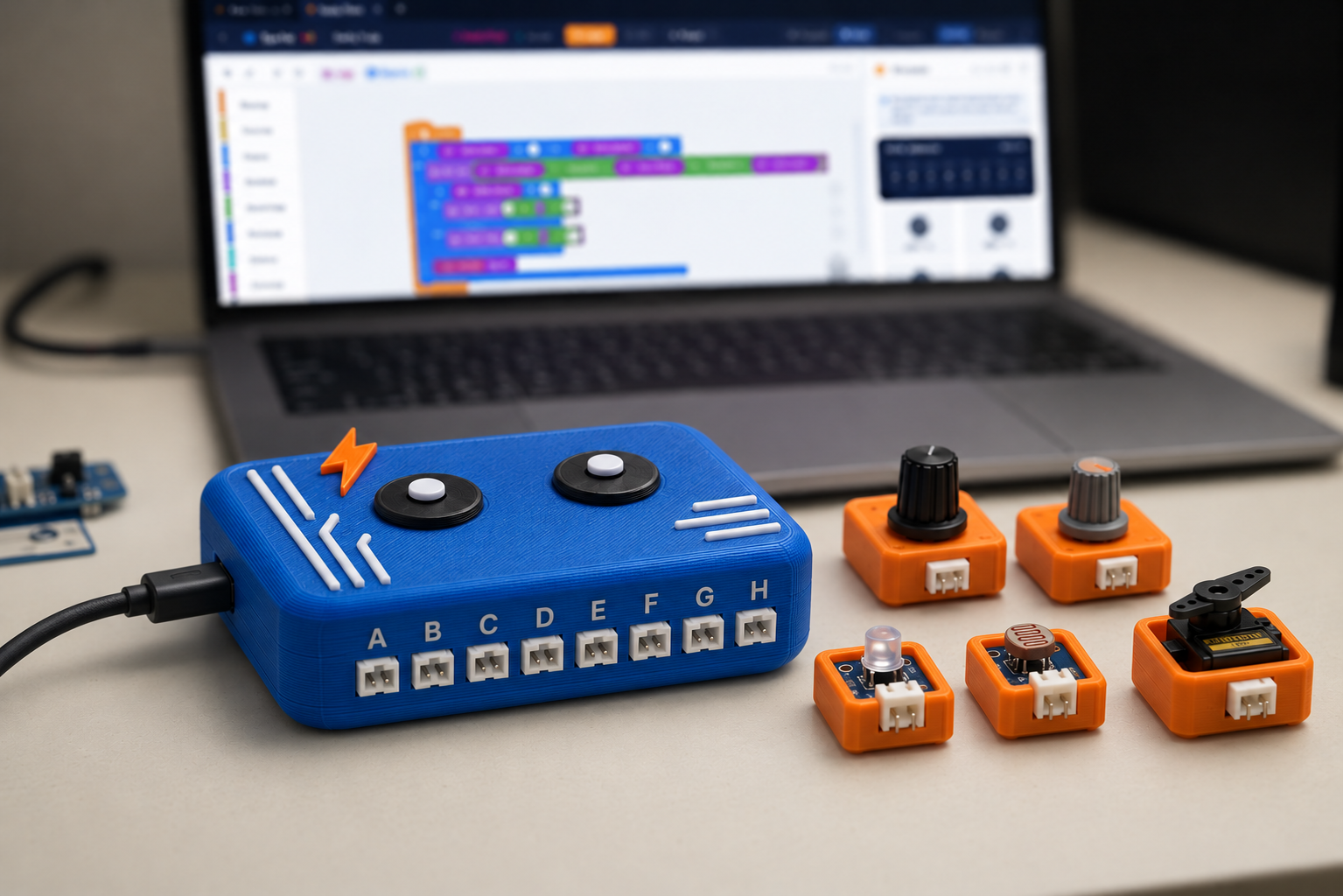 Illustrative image (AI)
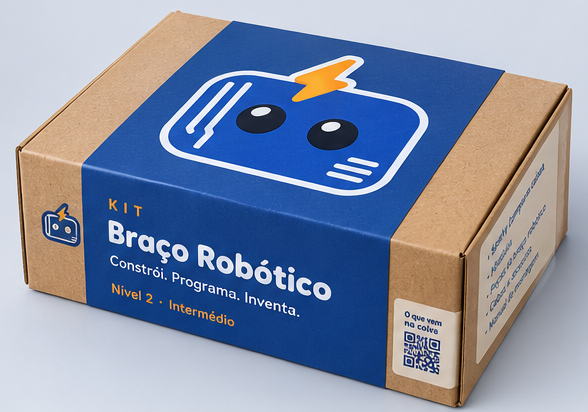
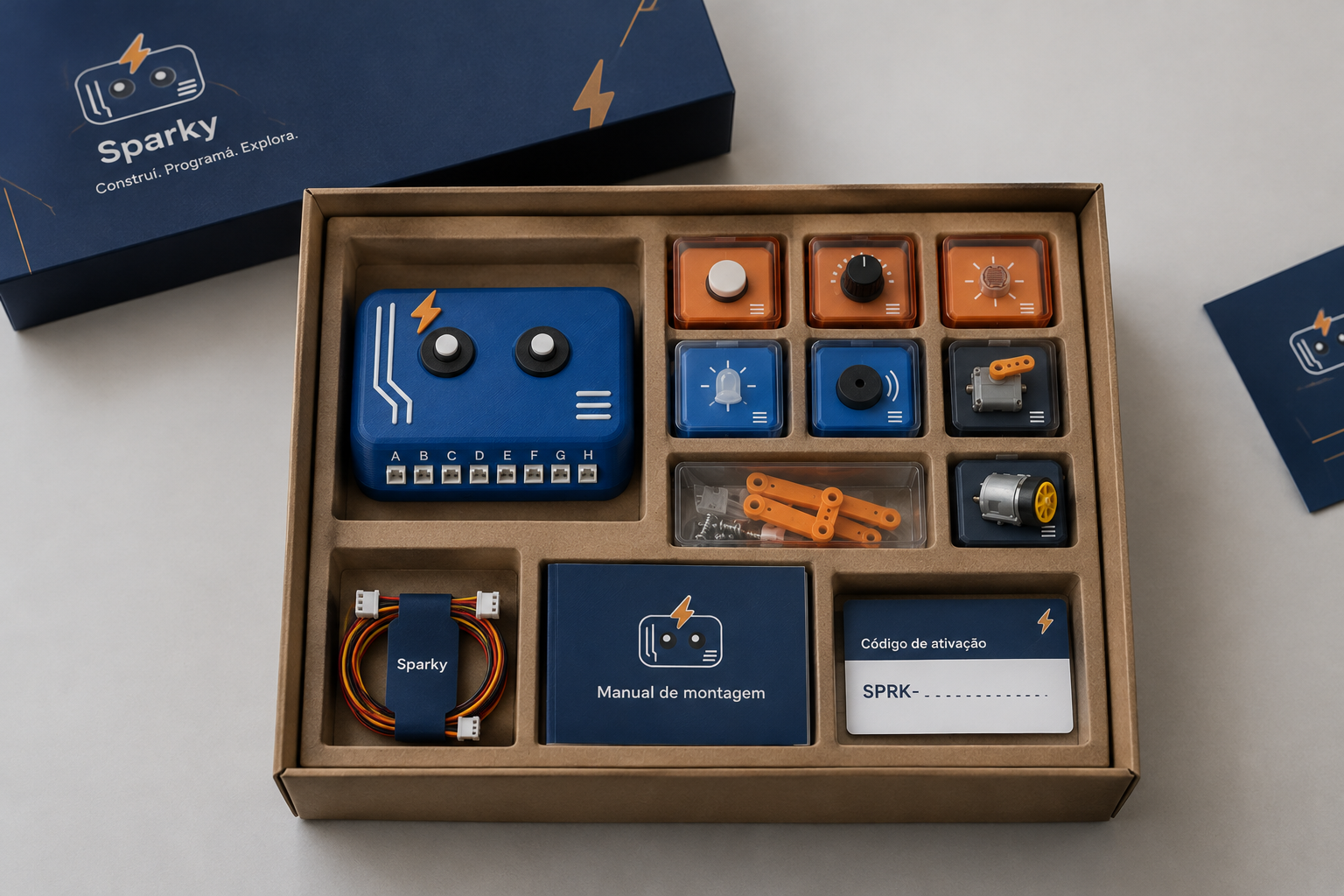
The illustrative images were created with artificial intelligence and show a possible look: the final product may differ.
The coding lab: colourful blocks, a board simulator and a USB connection. In advanced mode you can see what the program does inside, one instruction at a time.
From the Alarm Kit to the Robotic Arm: the parts, a step-by-step assembly guide and the Lab ready for your kit.
Challenges where your program controls what happens on screen. You press a real button, the program decides and Sparky jumps.
A place to show what you have built, discover other makers' projects and try them in your own Lab.
The blocks are not a separate toy: they are the gateway to how a computer really runs programs.
Plug the components into ports A–H: no soldering, no loose wires.
Snap blocks together: "when the button is pressed", "turn on the light", "wait".
Try everything in the simulator, in your browser, before connecting the board.
Send it to the board: the light turns on, the servo turns, the alarm goes off. The same program.
An ESP32 board with 8 ports labelled A to H. Sparky components (buttons, lights, light sensors, potentiometers, servos and a buzzer) simply plug in, with no soldering or loose wires.
Connect it to your computer with a USB cable, or play with it from your phone over Bluetooth.
First steps with colourful blocks, a guided tutorial, ready-made examples and games that work from the very first session.
Projects with real kits, pseudocode and an advanced mode that shows the virtual machine inside: the bridge to "real" programming.
Complete kits with assembly guides, a simulator for those who do not have a board yet and projects that fit in a single lesson.
Explore programming, maths, physics and electronics with simulations you can play with, pause and tweak — right in your browser, nothing to install.
Leave your email and we will let you know at launch. For anything else, write to us at equipa@sparky.pt.